Parameters
Parameters are inputs you fill in each time you start a task by hand: which
customer to export, which date to start from, whether this is a dry run. You
declare them on the task with params, and the
Web UI, TUI, CLI, and REST API all show a form for them.
[tasks.export-org-data]run = "/usr/local/bin/export.sh"params = [ { env = "ORG_ID", required = true }, { arg = "format", choices = ["json", "csv"], default = "json" }, { option = "--region", choices = ["us", "eu"] }, { flag = "--include-attachments" },]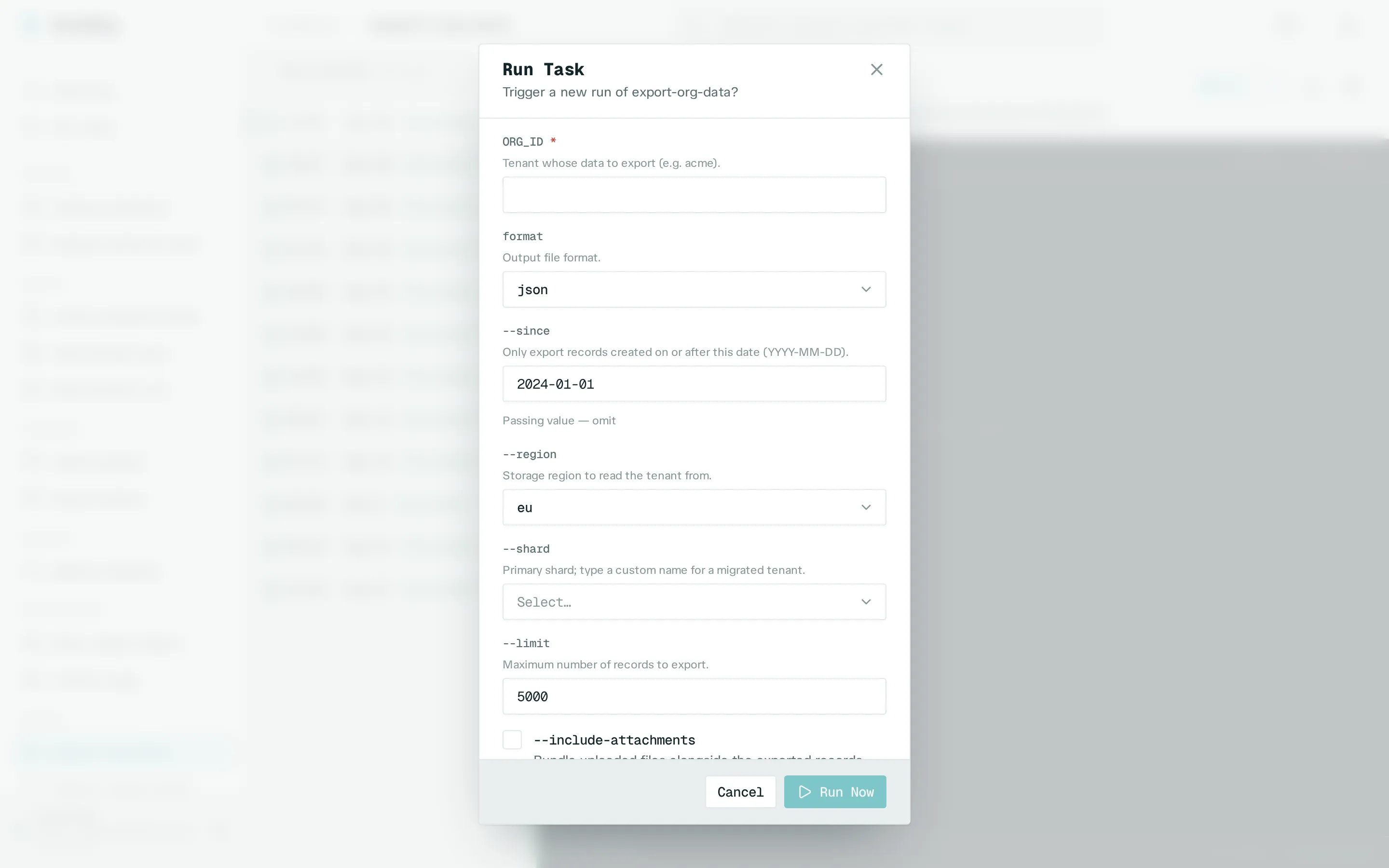
Each entry passes its value in one way: as an environment variable (env), a
positional argument (arg), an --option value pair (option), or an on/off
flag (flag). Entries can also have a default, a list of choices, a type, and
help text. The params reference lists every
key and rule.
Parameters are only declared in runwisp.toml. The Web UI, TUI, and API can
fill in values, but can’t add parameters or change the command.
Supplying values
Section titled “Supplying values”-
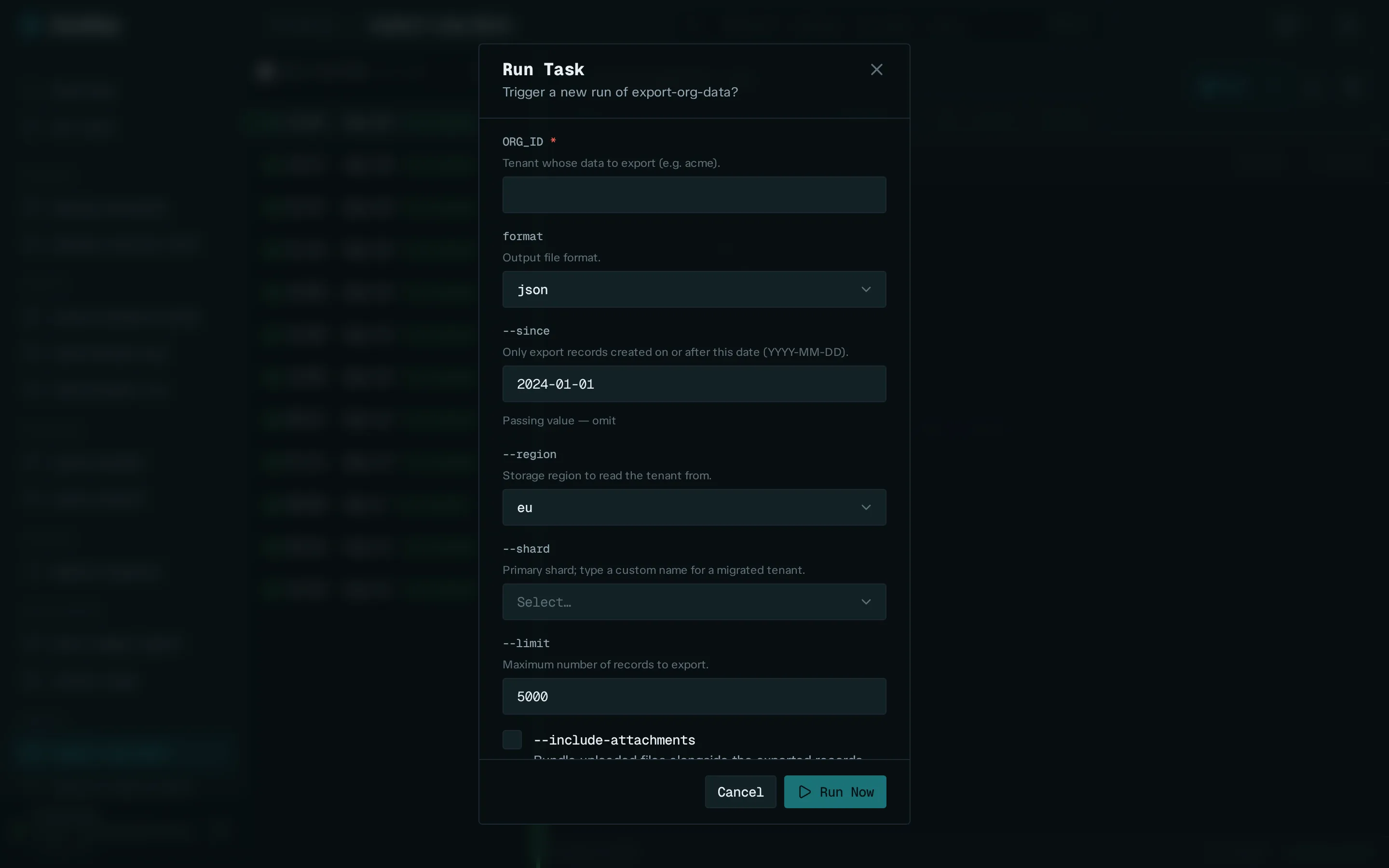
Web UI: click Run Task on the task’s page. If the task has parameters, the form above opens. See the Web UI tour.
-
TUI: select the task and press Run Now. The same fields appear in the terminal.
-
CLI: pass
--param key=valueonce per parameter. Seerunwisp run.Terminal window runwisp run export-org-data --param ORG_ID=acme --param format=csv -
REST API: send a
paramsobject with the trigger request. See Remote triggers.
Each run records the values it actually got, with defaults filled in and cleared fields left out. You see them on the run’s detail view.
Scheduled runs use the defaults
Section titled “Scheduled runs use the defaults”Nobody fills in a form for a scheduled run. Runs started by
cron,
run_on_start, or
catch-up use each parameter’s
default. A retry uses exactly the values of the run it
retries.
This is why a required parameter on a task with cron must also have a
default; otherwise the config is rejected. If a task runs both on a schedule
and by hand, give every parameter a sensible default. The manual form starts
with those values, so you only change what you need.
Values are never run as shell
Section titled “Values are never run as shell”Every value reaches your command as a real argument or environment variable. It
is never pasted into the shell string, so typing ; rm -rf / into a field
passes that text as a harmless argument. The command itself (run) always
comes from runwisp.toml.